


You may want a connected espresso brewing system — a guided sequence, an optional NFC bag assist, perhaps an account — without turning every morning shot into a data product you never agreed to study. Privacy basics here are practical: what a connected machine may sync, what you can leave off, and whether the weekday cup still works when the network does not.
(Last modified date: November 16, 2026)
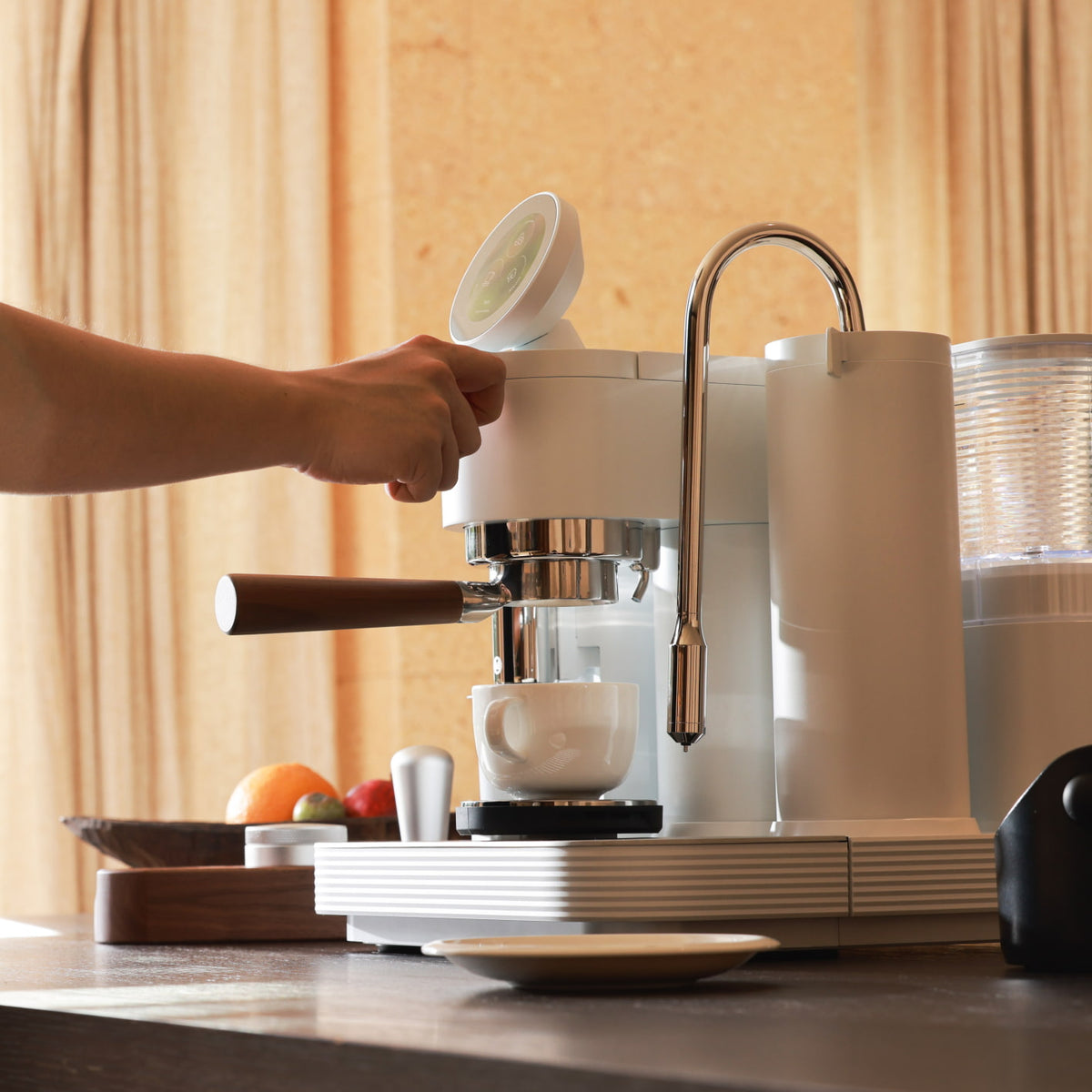
This page is a buyer checklist, not a legal memo, not a security-penetration guide, and not a catalog of every possible connected feature. It will not invent Meraki telemetry, certifications, or app behavior that official documents do not publish. For brand-specific data practices, read the official privacy policy. Meraki also publishes a data-sharing opt-out page; use that page for its current instructions rather than a blog summary.
What privacy basics mean on a weekday
Enable what shortens a real decision; skip what only proves the machine is online.
A connected system may offer recipe sync, firmware updates, usage history, remote start, or bag recognition. Those features can be useful. They should not be the reason espresso stops if Wi-Fi is down. If the machine can heat, grind, dose, and stop a shot from its own controls, connectivity is a choice. If every morning needs a live account handshake, “smart” is now a dependency.
General connected-device guidance treats enablement as a deliberate act, not a default: see CISA’s overview of securing Internet of Things devices. For a regional consumer-rights frame, not a Meraki-specific claim, the California Attorney General’s CCPA overview outlines some of the questions U.S. shoppers often ask. Neither page replaces the manufacturer’s own policy.
A short checklist, in this order
- Power the machine on and see whether heat and a normal drink require an account login. If they do, treat that as a dependency, not a convenience.
- Leave optional cloud sync, analytics, remote start, and marketing alerts off until you know you will use them.
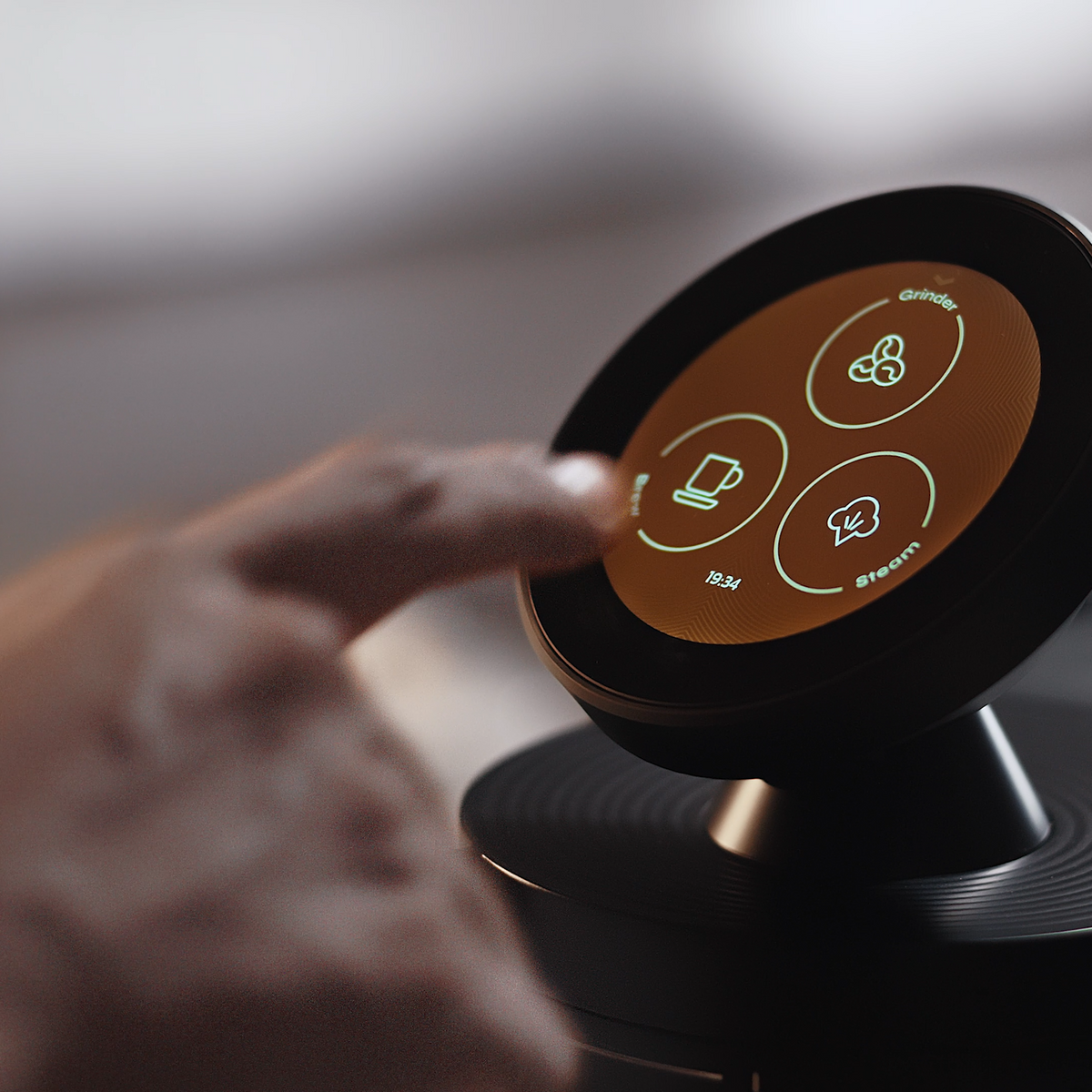
- If the machine offers an NFC or bag assist, confirm that you can decline it and still brew. Official Meraki FAQ language for CoffeeSense™ is that you can swipe a Meraki coffee bag with an NFC chip on the machine’s NFC area to load suggested grinding and extraction parameters, then start the steps on the touchscreen. This page will not invent what data, if any, leaves the kitchen during that tap. Read the privacy policy, and see NFC Coffee Machine: What the Technology Does for the feature literacy.
- Run an offline morning test: leave the home network aside, and pull the Tuesday drink from the machine’s own controls. If brew fails only because the network is down, connectivity is required, not optional.
- If several adults share the kitchen, do not assume every person must join one cloud account in order to make coffee.
What a connected coffee machine may sync — as questions, not as Meraki claims
The list below is a set of buyer questions. It is not a statement of Meraki telemetry.
| Category people ask about | A typical weekday signal | The privacy-basics move |
|---|---|---|
| Account and identity | Email, login, a household profile | Create an account only if a feature you will actually use requires it |
| Recipes or presets | Saved dose, yield, or grind cues | Prefer settings you can enter and repeat on the machine itself |
| Usage or shot logs | Counts, times, drink types | Leave analytics off if you never review them |
| Bag or NFC metadata | A tag ID, or suggested parameters | Confirm you can skip the assist and still brew |
| Firmware or diagnostics | Version numbers, error codes | Allow updates on a schedule you choose, when the maker offers that control |
| Remote or app control | Start, schedule, or push alerts | Skip it if you already stand at the machine |
If a product listing is vague about any row, ask Support or Contact Us rather than trusting a blog to invent the answer. The same rule applies to this page.
What Meraki has actually published
The Meraki Espresso Machine is a useful example because the official FAQ concentrates on an on-machine workflow: an integrated standalone grinder, two scales that can stop grinding and brewing at the targets you set, a guided touchscreen, and optional CoffeeSense™ suggestions from a compatible bag. Dual boilers can brew and steam whether or not a network feature is switched on. Those are brewing facts, not a privacy certificate.
This page will not invent an official app feature list, a claim that all data stays local, a claim that data is always uploaded, or any certification mark. If those points decide the purchase, confirm them on the current product page and in the privacy policy. For the broader “is the connected premium worth it?” question, use Is a Smart Espresso Machine Worth the Premium?.
A common mistake is enabling every badge on day one “just in case,” then discovering you cannot name what the machine is sending. Another is assuming a 30-second shot-time rule is a privacy topic; it is not. Taste and yield still come first, and they belong to the cup, not to an account.
FAQ
What are privacy basics for a connected espresso system?
Enable only what you will use, and confirm offline brewing.
Read the maker’s privacy policy for brand-specific practices. Do not treat a feature badge as a requirement of hot water and pressure.
What data may a connected coffee machine sync?
It varies by brand and by which features you turn on.
Use the table above as questions to verify, not as a Meraki data map. This page does not invent telemetry.
Can I use connected features offline?
You should still be able to brew.
That is the weekday test. Optional assists may need a network; the shot should not. Confirm the specific machine.
Is an NFC bag assist a privacy risk by default?
Not automatically, if you can decline it and still make coffee.
On Meraki, CoffeeSense™ is described as a local way to load suggested parameters from a compatible bag. What data, if any, is transmitted is a question for the official privacy policy, not for a guessed blog summary.
Where should I ask Meraki about privacy or connected features?
Start with the official policy pages, then Support.
Read the privacy policy and the data-sharing opt-out page, then contact Support if a listing line is still unclear.


